
Minutes Calculator
Minutes Calculator
Section A – Convert minutes
Section B – Add time to a clock time
Section C – Time between two clock times
What is a minutes calculator?
A minutes calculator turns minutes into the other units people actually need: hours and minutes for a schedule, decimal hours for a timesheet, seconds for a timer, and days for a longer span. It also does the two kinds of clock arithmetic that go wrong by hand: adding a duration to a clock time, and finding the time between two clock times. Time does not add like ordinary numbers, because the units change at 60 and at 24 rather than at 10, and that base-60 step is where most errors creep in.
How to use this minutes calculator
Use Section A when you have a number of minutes and want it in other units: type the minutes and press Convert Minutes. Use Section B when you have a clock time and want to know what time it will be after a duration: set the start time, enter the hours and minutes to add or subtract, choose Add or Subtract, and press Find New Time. Use Section C when you have two clock times and want the gap between them: set both times, tick "End is on the next day" if the span runs overnight, and press Find Duration. Each section is independent, so you can use one without touching the others.
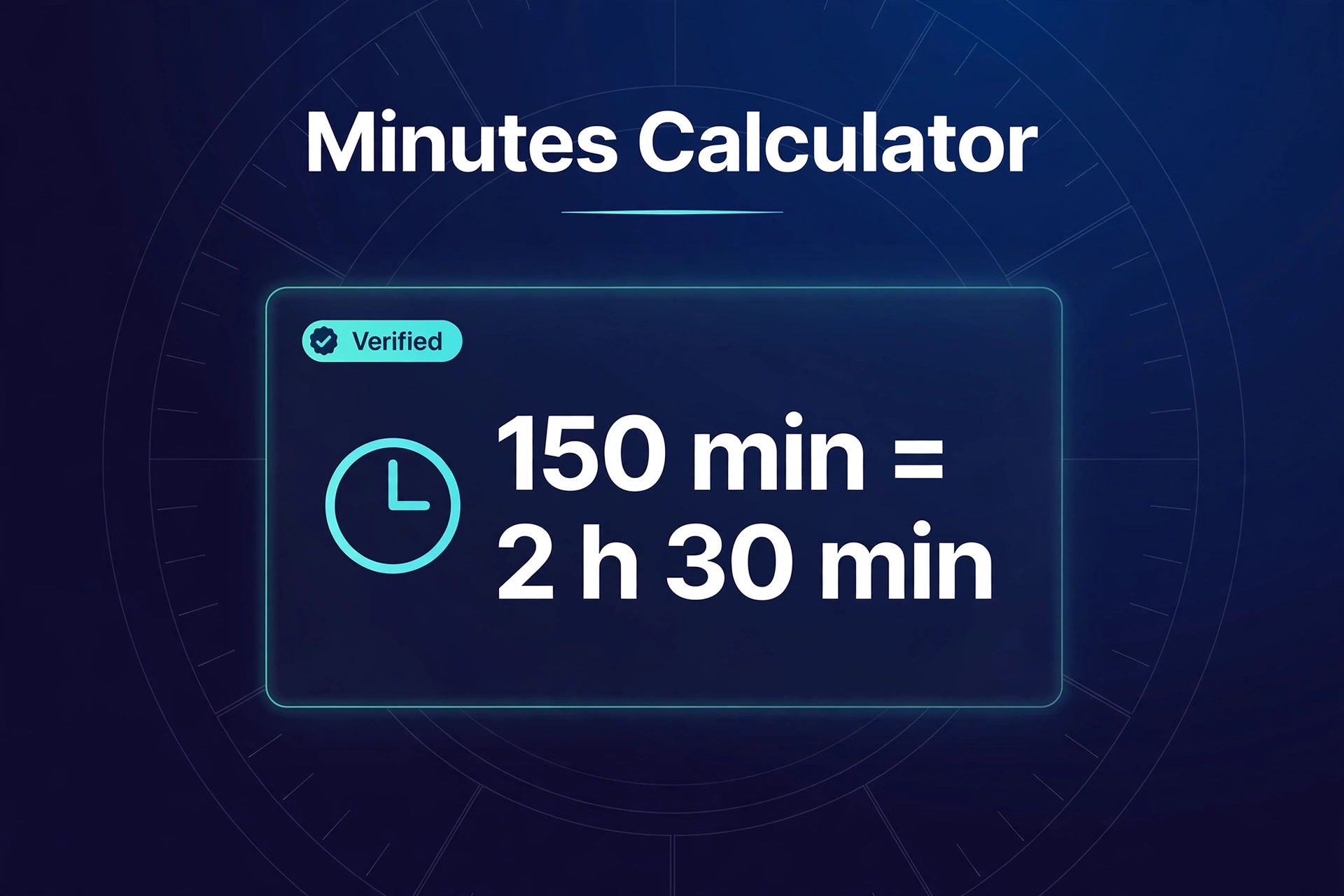
A worked example from the live tool
Converting 150 minutes gives 2 hours 30 minutes, 2.50 decimal hours, 9000 seconds and 0.1042 days on the live tool. The steps are: 150 divided by 60 is 2.5, so the whole part is 2 hours and the remainder is 30 minutes; 150 times 60 is 9000 seconds; 150 divided by 1440 is 0.1042 days. Adding 16 hours to 10:00 AM gives 2:00 AM the next day: 10:00 AM plus 14 hours reaches midnight, and 2 more hours reaches 2:00 AM. The time between 9:15 AM and 5:45 PM is 8 hours 30 minutes, which is 510 minutes and 8.50 decimal hours: convert both to minutes since midnight (555 and 1065), subtract, and 1065 - 555 = 510. All three examples are live tool results, and all three can be checked by hand from the formulas below.
How the maths works
Every conversion in Section A comes from three facts: 1 minute is 60 seconds, 1 hour is 60 minutes, and 1 day is 1440 minutes. So seconds = minutes times 60, decimal hours = minutes divided by 60, and days = minutes divided by 1440. To split minutes into hours and minutes, divide by 60 and keep the whole part as hours; the remainder is the minutes. For 150 minutes, 150 divided by 60 is 2 with a remainder of 30, hence 2 hours 30 minutes. Clock addition works by converting the start time to minutes since midnight, adding or subtracting the duration, then wrapping around 1440 minutes to get the new clock time and the day shift. Duration between clocks works the same way in reverse: convert both times to minutes since midnight, subtract, and if the end is on the next day, add 1440 to the end first.
Minutes to decimal hours: the quick-reference table
Payroll and billing systems usually want decimal hours rather than hours and minutes, because a pay rate multiplies directly against a decimal. The conversion is minutes divided by 60:
| Minutes | Decimal hours | Minutes | Decimal hours |
|---|---|---|---|
| 5 | 0.08 | 35 | 0.58 |
| 10 | 0.17 | 40 | 0.67 |
| 15 | 0.25 | 45 | 0.75 |
| 20 | 0.33 | 50 | 0.83 |
| 25 | 0.42 | 55 | 0.92 |
| 30 | 0.50 | 60 | 1.00 |
A 7 hour 45 minute shift is 7.75 decimal hours: 7 plus 45 divided by 60, which is 7 plus 0.75. At 18 dollars an hour, that shift pays 7.75 times 18, which is 139.50 dollars. Note the rounding trap: 20 minutes is 0.3333 hours repeating, shown as 0.33 at two decimal places, so a long list of rounded decimals will drift slightly from the exact total. For pay, add the minutes first and convert once at the end, rather than adding rounded decimals.
What time will it be in 16 hours?
This is one of the most searched time questions, and the answer depends entirely on the starting time, which is why a tool beats a fixed answer. From 10:00 AM, 16 hours later is 2:00 AM the next day, as the worked example shows. From 8:00 AM, 16 hours later is midnight, the start of the next day. From 6:00 PM, 16 hours later is 10:00 AM the next day. The pattern is simple once you see it: add 12 hours to flip AM to PM or PM to AM, then add the remaining 4 hours. For 16 hours, that is a flip plus 4 hours, and a day shift whenever the result crosses midnight. Use Section B for any starting time: set the clock, enter 16 hours, and read the new time and the day shift together, because the day shift is half the answer.
Adding and subtracting durations without a clock
Two durations add by converting both to minutes, adding, and converting back, carrying every 60 minutes into an hour. For example, 2 hours 45 minutes plus 1 hour 30 minutes is 165 plus 90, which is 255 minutes, which is 4 hours 15 minutes. Subtraction borrows instead: 5 hours 10 minutes minus 2 hours 45 minutes is 310 minus 165, which is 145 minutes, which is 2 hours 25 minutes. If the second duration is larger, the result is negative, meaning the second span was longer. You can also enter unnormalised values in your head the same way: 90 minutes is 1 hour 30 minutes, and 36 hours is 1 day 12 hours, because the tool's logic normalises by carrying at 60 and at 24.
Overnight spans, breaks and rounding rules
A span that crosses midnight is the classic clock trap. From 10:00 PM to 6:30 AM, a plain subtraction gives a negative number, because 6:30 AM is earlier in the day than 10:00 PM. The fix is to add a full day to the end time first: 6:30 AM plus 1440 minutes is 30 hours 30 minutes on the same scale, minus 22 hours gives 8 hours 30 minutes, which matches the live test. Section C handles this with the "next day" option, so you never need to do the adjustment by hand. For work shifts, subtract unpaid breaks from the elapsed time before converting to decimal hours: an 8 hour 30 minute span with a 45 minute unpaid break is 7 hours 45 minutes net, which is 7.75 decimal hours. Some employers round working time to the nearest quarter hour: under that rule, 1 to 7 minutes round down and 8 to 14 minutes round up, so 8 to 22 minutes count as 15 minutes, 23 to 37 as 30, 38 to 52 as 45, and 53 to 60 as a full hour. This tool does not round for you, so it reports the exact figure and leaves any workplace rounding rule to you.
Common mistakes
The most common mistake is adding hours and minutes as if they were decimals: 2 hours 45 minutes plus 1 hour 30 minutes is not 3 hours 75 minutes, it is 4 hours 15 minutes after carrying. The second is forgetting the day shift when a result crosses midnight, so 10:00 AM plus 16 hours is reported as 2:00 AM with no mention that it is the next day. The third is reading 2.50 decimal hours as 2 hours 50 minutes, when it means 2 hours 30 minutes, because 0.50 of an hour is 30 minutes. The fourth is adding rounded decimal hours instead of converting once at the end, which drifts the total. The fifth is treating a clock time as a duration: 5:45 PM is a point in the day, not 5 hours 45 minutes of anything, until you subtract a start time from it.
Limits you should know
This tool works with clock times to the minute and durations in minutes, hours and days. It does not take seconds in the clock sections, it does not handle dates, so a span longer than 24 hours belongs in Section A as a duration, and it does not convert between time zones. It also does not model daylight-saving clock changes: it works with clock readings, so a span across a spring-forward or fall-back change will differ from absolute elapsed time by the hour the clocks moved. For ordinary scheduling, timesheets and countdowns, none of those limits bite.
Privacy note
The calculation runs in your browser. The times and durations you type are not uploaded or stored by this tool. If a result looks wrong, use the Contact page and include the times you entered, so the error can be repeated.
Related tools
Try the date calculator for days between dates, the stopwatch and timer for measuring time in the moment, the unit converter for other unit conversions, the basal metabolic rate calculator for resting energy use, and the calculators hub for the full set.
How do I convert minutes to hours?
Divide by 60. 150 minutes divided by 60 is 2.50 hours, which is 2 hours 30 minutes. The whole part of the division is the hours, and the remainder is the minutes.
What time will it be in 16 hours from 10:00 AM?
2:00 AM the next day. 10:00 AM plus 14 hours reaches midnight, and 2 more hours reaches 2:00 AM, so the answer includes a day shift to the next day.
How do I convert minutes to decimal hours for a timesheet?
Divide the minutes by 60. 45 minutes is 0.75 hours, and 7 hours 45 minutes is 7.75 hours. Add all minutes first and convert once at the end, rather than adding rounded decimals.
How do I find the time between two clock times?
Convert both times to minutes since midnight and subtract. If the end time is on the next day, add 1440 minutes to it first: 10:00 PM to 6:30 AM next day is 8 hours 30 minutes.
Why is 2.50 hours not 2 hours 50 minutes?
Because the decimal part is a fraction of an hour, not minutes. 0.50 of an hour is 30 minutes, so 2.50 hours is 2 hours 30 minutes. Multiply the decimal part by 60 to get minutes.
Does this calculator handle time zones?
No. It works with clock readings only, with no time-zone conversion and no daylight-saving adjustment. A span across a clock change will differ from absolute elapsed time by the hour the clocks moved.